ADHD Review: AVerMedia ELITE GO (GC313 PRO)
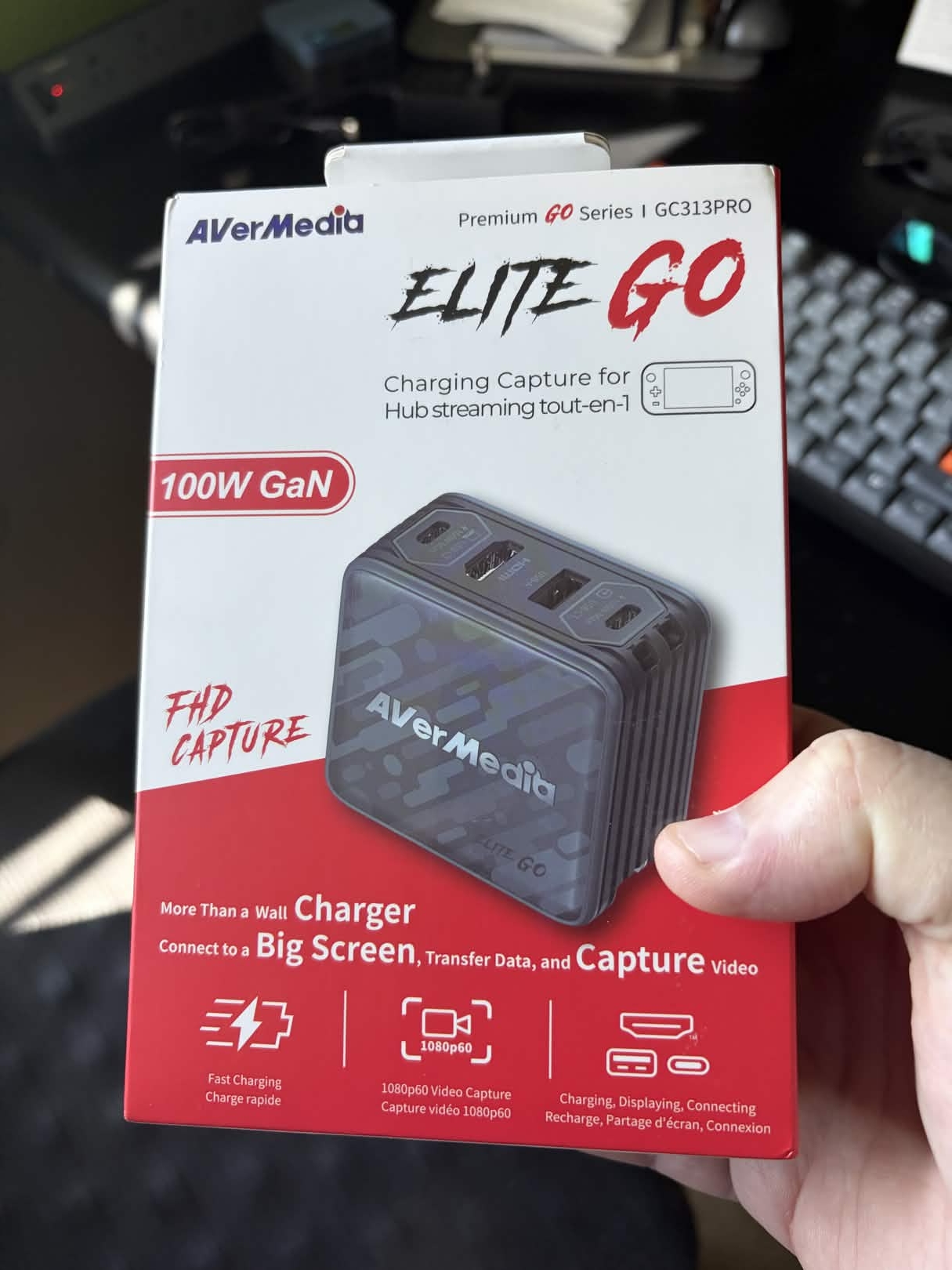
Here's what I'm calling my "ADHD Review" of the AVerMedia ELITE GO (GC313 PRO) capture card/dock. Basically it's a first impression after having it for a few days.
Pros:
- Works perfectly with my Lenovo Yoga 7 laptop (Fedora KDE), iPhone 17, and Lenovo Legion GO S (SteamOS).
- Can charge 2 of the above at the same time while also using them.
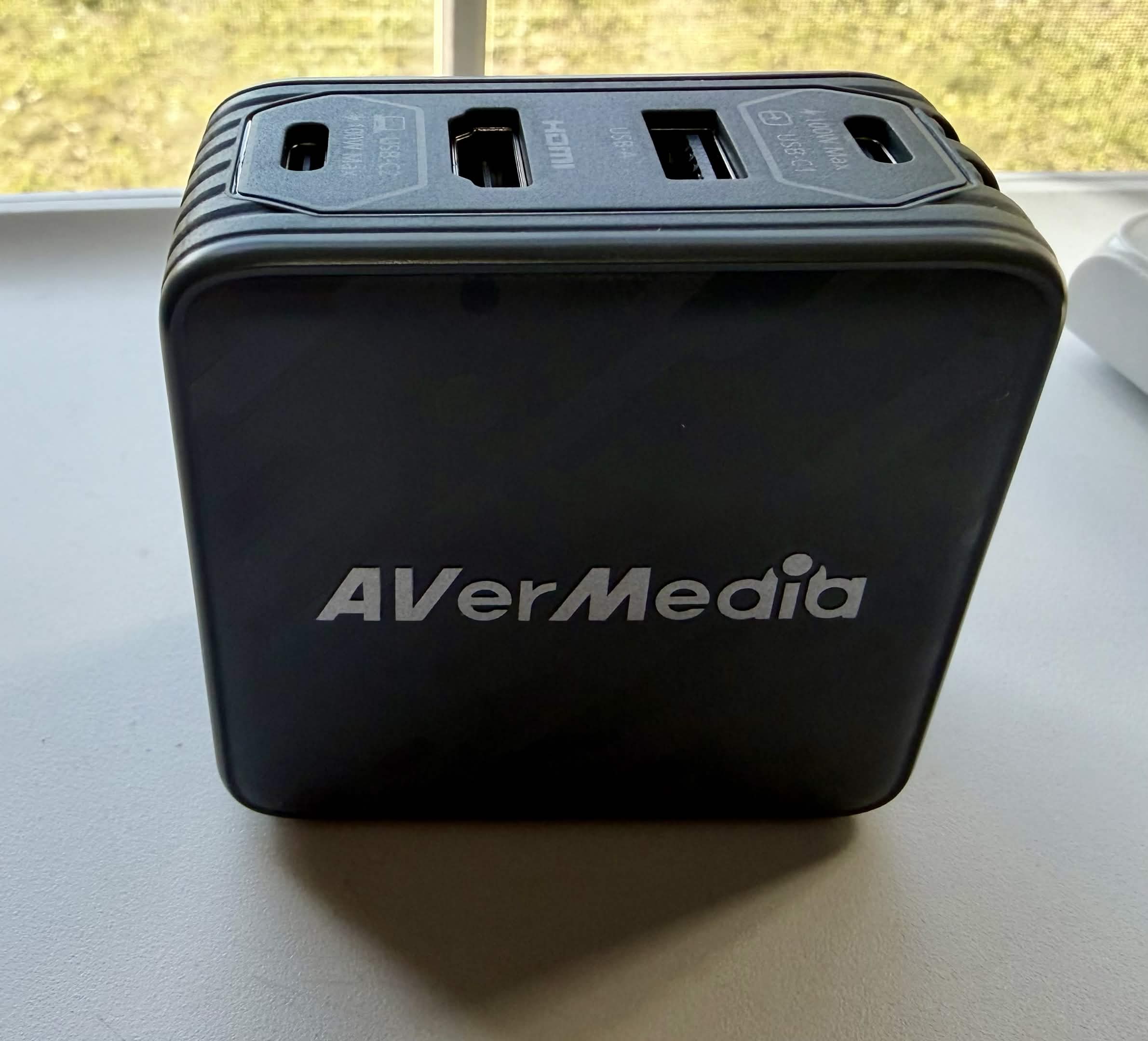
- Replaces 2 travel chargers, a capture card, a USB-C to USB-A adapter, and a USB-C to HDMI adapter (significant space and weight savings in my carry-on bag).
- Lets me capture video on my Legion GO S and iPhone 17 without needing any extra adapters or configuration.
- Easily gives me HDMI out for my iPhone 17 and Legion GO S.
- The additional USB-A and HDMI port are perfect for my portable monitor that uses USB power and HDMI.
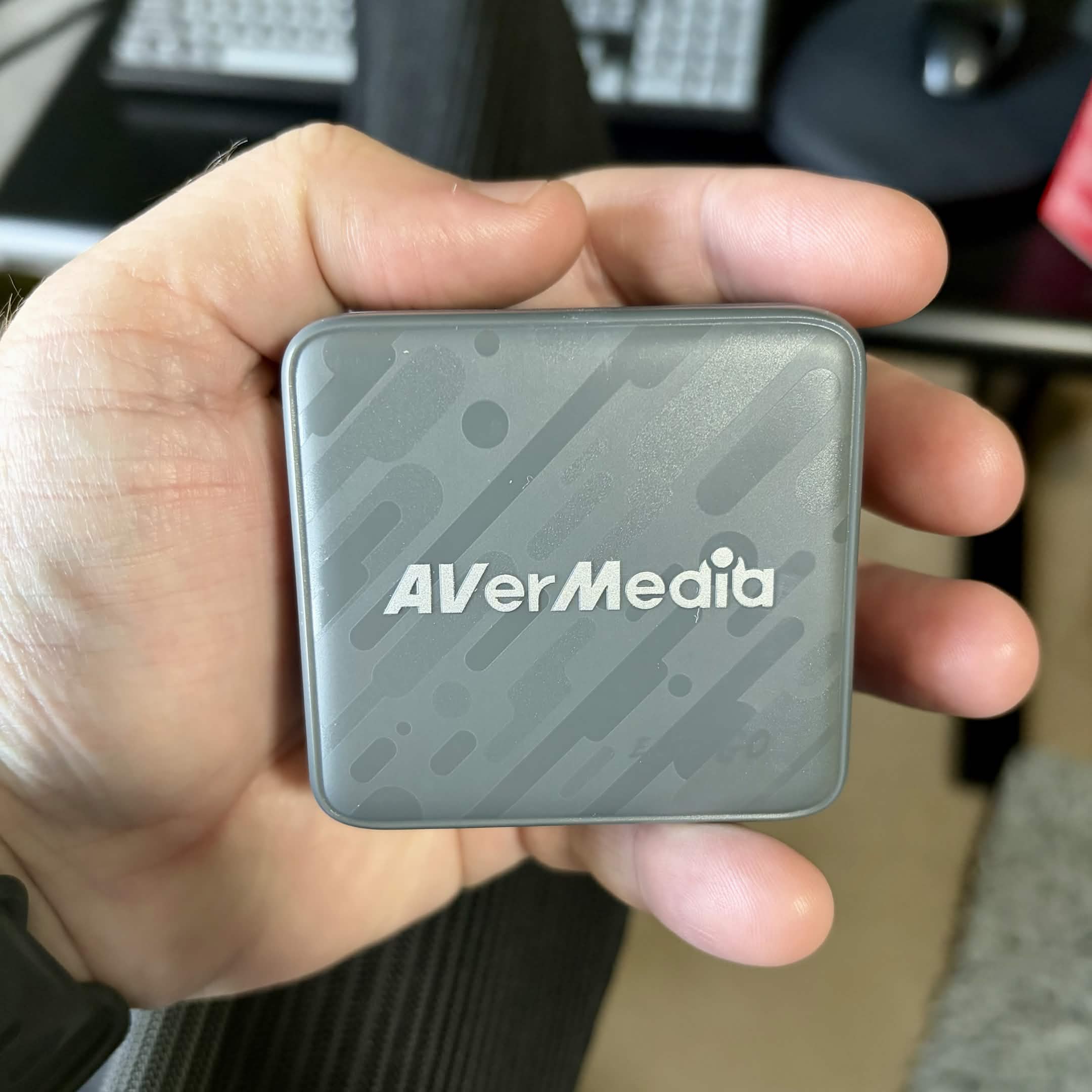
- It's TINY! Even after watching the review I wasn't prepared for how small it is. It's smaller than a single one of my Lenovo travel chargers.
- It's completely fanless and silent.
- The included travel adapters are great and brilliantly engineered. Reduces the need to bring a global travel adapter with me when I go outside of the country.
Cons:
- It generates a lot of heat when charging 2 devices (as expected).
- It takes a bit of extra work to install the beta firmware (and it's a Windows only installer).
- The companion app (Assist Central Pro) is Windows only.
Overall the experience has been great once I got the firmware updated. A lot more versatile than my travel capture cards and it's earned a permanent spot in my travel bag.
If you're looking for a more in-depth review my buddy Addie did a great review (and it convinced me to grab one) which you can watch and discuss here.
Notes: To get the AVerMedia working properly with my iPhone 17 I did need to flash it with a beta firmware found here.
Amazon Affiliate Link: https://amzn.to/3NEYqFE
→
Comments